Computer Support Assistant Resume – Sample Templates, Examples, Tips
Computer Support Assistant Resume: Crafting a standout Computer Support Assistant resume is essential for landing your dream job in the tech industry. This article provides valuable sample templates, real-life examples, and expert tips to help you showcase your skills effectively. Discover how to highlight your technical expertise and customer service abilities to make a lasting impression on potential employers.
Computer Support Assistant Resume – Key Points
| Role | Computer Support Assistant |
| Category | Assistant |
| Objective | Detail-oriented Computer Support Assistant with strong troubleshooting skills and a passion for technology. Seeking to leverage expertise in customer service and technical support to enhance user experience and operational efficiency. |
| Description | Dedicated Computer Support Assistant with expertise in troubleshooting hardware/software issues, providing exceptional customer service, and maintaining system functionality. Proficient in technical documentation and user training, ensuring seamless technology experiences. |
| Required Skills | 1. Technical Troubleshooting 2. Customer Service Skills 3. Knowledge of Operating Systems 4. Communication Skills 5. Time Management |
| Mistakes to Avoid | 1. Including irrelevant work experience unrelated to computer support. 2. Using a generic objective statement instead of a tailored summary. 3. Overloading the resume with technical jargon without context. 4. Failing to highlight relevant certifications or training. 5. Neglecting to proofread for spelling and grammatical errors. |
| Important Points to Add | 1. Technical Proficiency (e.g., hardware/software troubleshooting, operating systems) 2. Customer Service Skills (e.g., communication, problem-solving) 3. Relevant Certifications (e.g., CompTIA A+, Microsoft Certified) 4. Experience with Help Desk Software (e.g., ticketing systems) 5. Team Collaboration and Support Experience |
Computer Support Assistant Resume – Objective Examples
Dedicated and detail-oriented Computer Support Assistant intern eager to leverage technical skills and passion for technology to provide exceptional support and enhance user experience in a dynamic IT environment.
Enthusiastic and motivated Computer Support Assistant fresher seeking to apply strong problem-solving abilities and knowledge of computer systems to deliver efficient technical support and improve customer satisfaction.
Results-driven Computer Support Assistant with 3+ years of experience in troubleshooting and resolving technical issues, aiming to enhance operational efficiency and user satisfaction in a fast-paced IT support role.
Experienced Computer Support Assistant with over 5 years in IT support, committed to providing top-notch technical assistance and fostering a collaborative environment to drive team success and customer loyalty.
Proactive and strategic Computer Support Assistant with 10+ years of expertise in IT solutions, seeking to leverage extensive knowledge and leadership skills to optimize support processes and elevate user experience.
Computer Support Assistant Resume Description Examples
Provided technical assistance to users, troubleshooting hardware and software issues, ensuring optimal performance and user satisfaction through effective communication and problem-solving skills.
Managed installation and configuration of computer systems, enhancing operational efficiency by implementing best practices and maintaining up-to-date software and security protocols.
Assisted in training staff on new technologies, fostering a culture of continuous learning and empowering users to maximize their productivity with available tools.
Documented support processes and user interactions, contributing to a comprehensive knowledge base that improved response times and service quality for future inquiries.
Collaborated with IT teams to identify and resolve systemic issues, enhancing overall network performance and ensuring seamless connectivity for all users.
Summary Statements for Computer Support Assistant Resume
Detail-oriented Computer Support Assistant intern with strong technical skills and a passion for problem-solving. Eager to assist users and enhance their experience through effective communication and troubleshooting techniques.
Motivated Computer Support Assistant fresher with a solid foundation in IT support and customer service. Quick learner, ready to provide exceptional technical assistance and contribute to team success.
Dedicated Computer Support Assistant with 3 years of experience in troubleshooting hardware and software issues. Proven ability to enhance user satisfaction through effective communication and timely problem resolution.
Experienced Computer Support Assistant with over 5 years in IT support. Expert in diagnosing technical problems and implementing solutions, ensuring optimal performance and user satisfaction in diverse environments.
Senior Computer Support Assistant with 10+ years of experience in leading support teams. Skilled in strategic planning, process improvement, and delivering high-quality technical support to enhance organizational efficiency.
Entry Level Computer Support Assistant Resume for Freshers
Selina Kyle
(602) 555-6789
3737 Willow Court, Hillcrest, TX 12345
[email protected]
Objective
Detail-oriented and motivated Computer Support Assistant with a passion for technology and problem-solving. Seeking to leverage strong technical skills and customer service experience to provide exceptional support and contribute to a dynamic IT team.
Education
Associate of Applied Science in Information Technology
Hillcrest Community College, Hillcrest, TX
Graduated: May 2023
Experience
IT Intern
Tech Solutions Inc., Hillcrest, TX
June 2022 – August 2023
- Assisted in troubleshooting hardware and software issues for over 100 clients, achieving a 95% satisfaction rate.
- Provided technical support via phone, email, and in-person, ensuring timely resolution of customer inquiries.
- Collaborated with senior technicians to maintain and update company documentation and user manuals.
Customer Service Representative
Retail Tech Store, Hillcrest, TX
January 2021 – May 2022
- Delivered exceptional customer service by assisting customers with product selection and technical inquiries.
- Trained new employees on customer service protocols and technical product knowledge.
- Managed inventory and performed regular audits to ensure product availability and accuracy.
Skills
- Proficient in Windows and macOS operating systems
- Strong knowledge of Microsoft Office Suite (Word, Excel, PowerPoint)
- Familiarity with networking concepts and troubleshooting
- Excellent verbal and written communication skills
- Strong problem-solving abilities and attention to detail
Certification
CompTIA A+ Certification
Obtained: August 2023
Projects
Help Desk Support Project
- Developed a comprehensive FAQ document for common technical issues, reducing support ticket volume by 30%.
- Implemented a ticketing system that improved response times and tracking of customer inquiries.
Languages
- English (Fluent)
- Spanish (Conversational)
Mid-Level Experienced Computer Support Assistant Resume – Sample
Victor Stone
(804) 555-9012
3838 Sycamore Lane, Brookside, FL 23456
[email protected]
Objective
Detail-oriented and proactive Computer Support Assistant with over 4 years of experience in providing technical support and troubleshooting for hardware and software issues. Seeking to leverage expertise in customer service and IT support to enhance user experience and operational efficiency at a forward-thinking organization.
Education
Bachelor of Science in Information Technology
University of Florida, Gainesville, FL
Graduated: May 2019
Experience
Computer Support Assistant
Tech Solutions Inc., Brookside, FL
June 2019 – Present
- Provided technical support to over 200 end-users, resolving issues related to hardware, software, and network connectivity.
- Assisted in the implementation of new software systems, ensuring smooth transitions and minimal downtime.
- Developed and maintained documentation for troubleshooting procedures and user guides, improving team efficiency by 30%.
- Conducted training sessions for staff on new technologies and software applications, enhancing overall productivity.
IT Intern
Innovative Tech Co., Brookside, FL
January 2018 – May 2019
- Supported the IT team in daily operations, including hardware setup, software installation, and system updates.
- Assisted in troubleshooting and resolving technical issues for employees, achieving a 95% satisfaction rate in user feedback.
- Participated in the development of a knowledge base for common technical issues, reducing resolution time by 20%.
Skills
- Technical Support & Troubleshooting
- Customer Service Excellence
- Hardware & Software Installation
- Network Configuration
- Documentation & Reporting
- Training & Development
- Time Management
- Team Collaboration
Awards & Honors
- Employee of the Month, Tech Solutions Inc. (March 2021)
- Dean’s List, University of Florida (2017-2019)
Certifications
- CompTIA A+ Certification
- Microsoft Certified: Azure Fundamentals
Projects
- Help Desk Improvement Initiative: Led a project to streamline help desk operations, resulting in a 25% reduction in ticket resolution time.
- User Training Program: Developed a comprehensive training program for new software, increasing user proficiency and satisfaction ratings.
Additional Information
- Volunteer IT Support for Local Nonprofits
- Member of the National Association of Professional Women in Technology
5-10+ Years Experienced Computer Support Assistant Resume Sample Format
J’onn J’onzz
(213) 555-3456
3939 Pinecrest Road, Cedarville, WA 34567
[email protected]
Summary
Dedicated and detail-oriented Computer Support Assistant with over 8 years of experience in providing exceptional technical support and troubleshooting services. Proven ability to resolve complex technical issues, enhance user experience, and maintain high levels of customer satisfaction. Strong communicator with a passion for technology and a commitment to continuous learning.
Education
Bachelor of Science in Information Technology
University of Washington, Seattle, WA
Graduated: May 2015
Work Experience
Senior Computer Support Assistant
Tech Solutions Inc., Seattle, WA
June 2018 – Present
- Provided advanced technical support to over 500 users, resolving hardware and software issues efficiently.
- Developed and implemented training programs for new staff, improving onboarding efficiency by 30%.
- Collaborated with IT teams to enhance system performance, resulting in a 20% decrease in downtime.
Computer Support Assistant
Cedarville School District, Cedarville, WA
August 2015 – May 2018
- Delivered technical support for classroom technology, ensuring seamless operation of educational tools.
- Assisted in the setup and maintenance of computer labs, enhancing student learning environments.
- Documented and tracked support requests, improving response times by 15%.
Skills
- Technical Support & Troubleshooting
- Hardware & Software Installation
- Customer Service Excellence
- Network Configuration & Management
- Training & Development
- Documentation & Reporting
Awards
- Employee of the Month, Tech Solutions Inc. (March 2020)
- Outstanding Service Award, Cedarville School District (June 2017)
Honors
- Dean’s List, University of Washington (2013-2015)
Certification
- CompTIA A+ Certification
- Microsoft Certified: Azure Fundamentals
Projects
- Led a project to upgrade the school district’s computer systems, resulting in improved performance and user satisfaction.
- Developed a user-friendly troubleshooting guide that reduced support call volume by 25%.
Professional Affiliations
- Member, Association of Computer Support Professionals
- Volunteer, Tech for Good, providing tech support to non-profit organizations.
Required Skills for Computer Support Assistant Resume Job
- Technical troubleshooting
- Customer service skills
- Knowledge of operating systems (Windows, macOS, Linux)
- Proficiency in hardware and software installation
- Network configuration and support
- Familiarity with remote support tools
- Strong communication skills
- Problem-solving abilities
- Time management
- Attention to detail
- Ability to work under pressure
- Documentation and reporting skills
- Basic understanding of cybersecurity principles
- Team collaboration
- Adaptability to new technologies
Action Verbs to Use in Computer Support Assistant Resume
- Troubleshot – Diagnosed and resolved technical issues to ensure optimal system performance and user satisfaction.
- Configured – Set up software and hardware systems according to user specifications and organizational standards.
- Assisted – Provided support to users by answering queries and guiding them through technical processes.
- Documented – Created detailed records of technical issues and resolutions to enhance knowledge sharing and future troubleshooting.
- Implemented – Executed new software solutions and updates to improve system efficiency and user experience.
- Monitored – Oversaw system performance and user activity to identify potential issues before they escalated.
- Educated – Trained users on software applications and best practices to enhance their technical skills and confidence.
- Collaborated – Worked with cross-functional teams to address complex technical challenges and improve service delivery.
- Resolved – Addressed and fixed user-reported issues promptly to minimize downtime and maintain productivity.
- Upgraded – Enhanced existing systems by installing the latest software and hardware updates to ensure security and functionality.
- Analyzed – Evaluated system performance data to identify trends and recommend improvements.
- Facilitated – Coordinated technical support sessions and workshops to improve user engagement and knowledge.
- Streamlined – Optimized processes and workflows to increase efficiency in technical support operations.
- Supported – Provided ongoing technical assistance to users, ensuring they had the resources needed to succeed.
- Resolved – Effectively managed and closed support tickets, ensuring timely follow-up and user satisfaction.
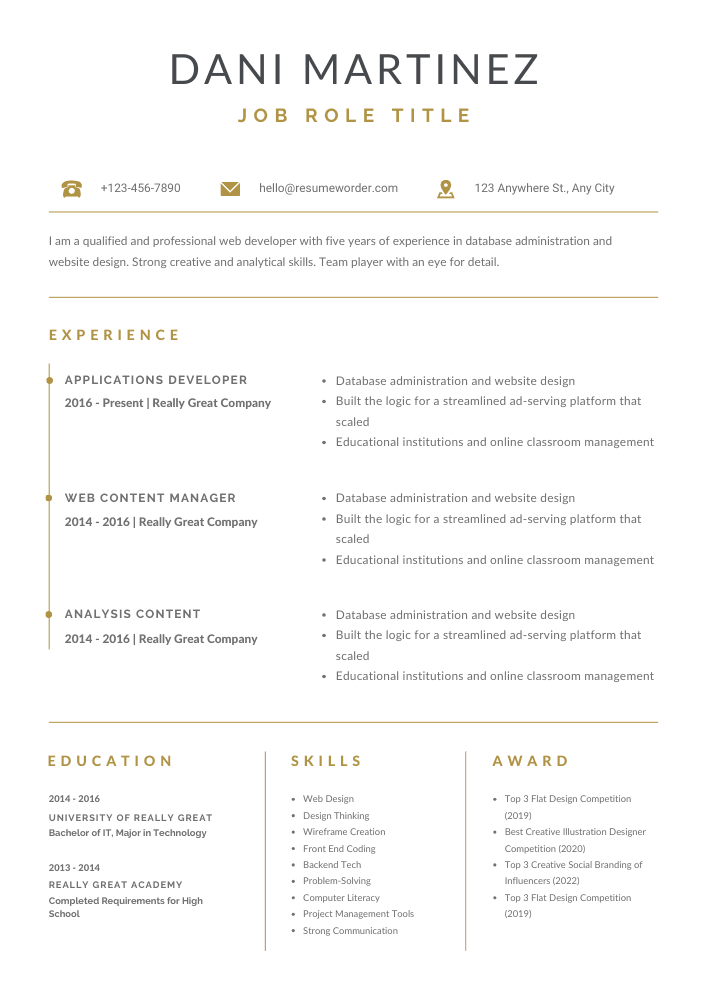
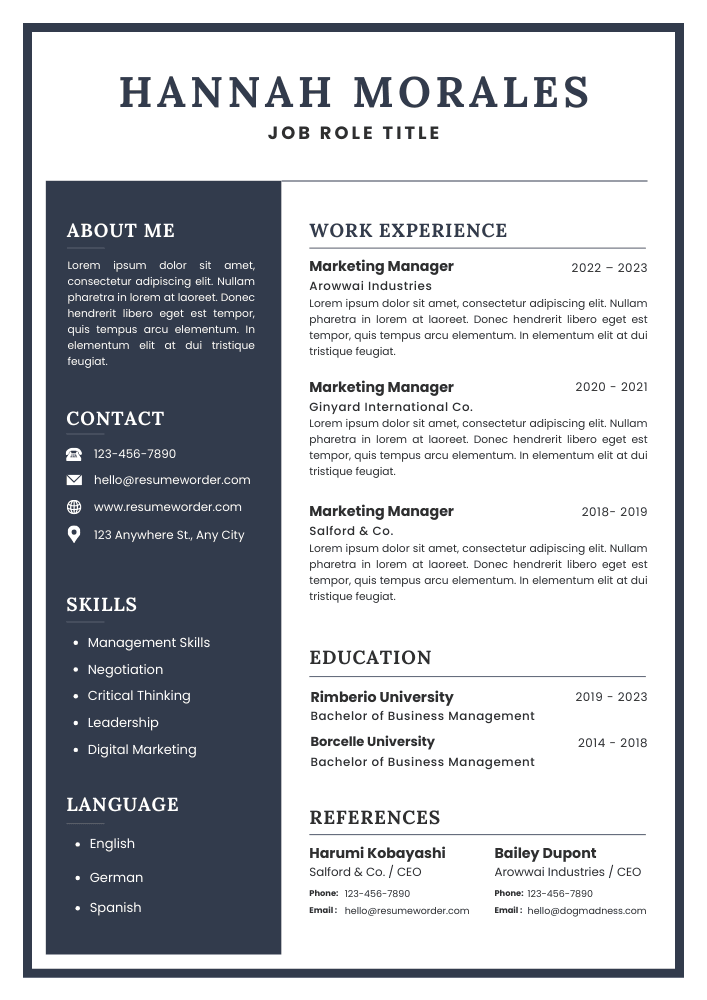
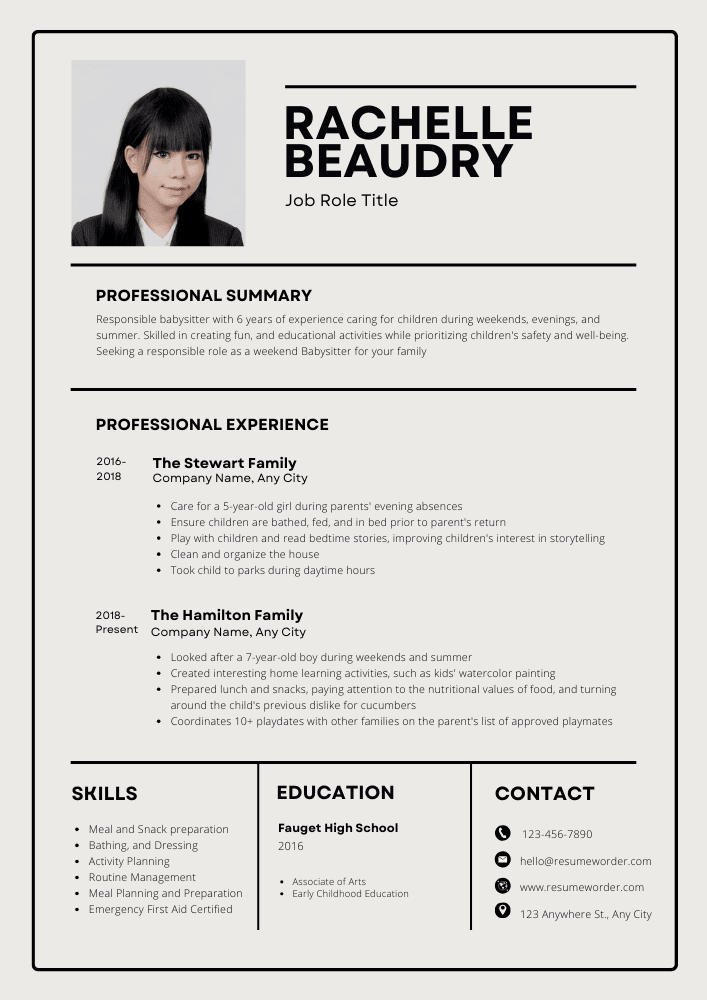
Download Computer Support Assistant Resume – Free Templates
FAQs about Computer Support Assistant Resume
What should I include in my Computer Support Assistant resume?
When crafting your Computer Support Assistant resume, be sure to include relevant skills such as technical troubleshooting, customer service experience, and knowledge of operating systems. Highlight your educational background, certifications, and any hands-on experience in IT support. Tailor your resume to showcase specific achievements and responsibilities that align with the job description.
How can I make my Computer Support Assistant resume stand out?
To make your Computer Support Assistant resume stand out, focus on quantifying your accomplishments. Use metrics to demonstrate your impact, such as the number of issues resolved or customer satisfaction ratings. Incorporate keywords from the job posting to pass through applicant tracking systems and ensure your resume is tailored to the specific role you’re applying for.
What format is best for a Computer Support Assistant resume?
The best format for a Computer Support Assistant resume is typically a reverse-chronological format. This structure allows you to highlight your most recent experience first, making it easy for hiring managers to see your relevant background. Use clear headings, bullet points, and a clean layout to enhance readability and professionalism.
How do I highlight my technical skills on my Computer Support Assistant resume?
To effectively highlight your technical skills on your Computer Support Assistant resume, create a dedicated skills section where you list relevant software, hardware, and troubleshooting abilities. Additionally, weave these skills into your work experience descriptions, providing specific examples of how you applied them in previous roles to solve problems or improve processes.
Should I include certifications on my Computer Support Assistant resume?
Yes, including certifications on your Computer Support Assistant resume is highly recommended. Certifications such as CompTIA A+, Microsoft Certified Professional, or ITIL can significantly enhance your qualifications and demonstrate your commitment to the field. Be sure to list these certifications prominently, ideally in a separate section, to catch the attention of hiring managers.
In conclusion, a well-crafted Computer Support Assistant Resume is essential for showcasing your skills and qualifications in this competitive field. By including tailored sections such as objectives, summaries, education, skills, and certifications, you can effectively highlight your strengths. Utilize our free template and examples to create a standout resume that captures the attention of potential employers and propels your career forward.
Resume Tips
Related Posts
Life Enrichment Assistant Resume – Sample Templates, Examples, Tips

Assistant Superintendent Resume – Guide, Sample Templates, Examples

Assistant Chief Resume – Free Templates, Examples, Tips

Health Service Assistant Resume – Examples, Sample Templates, Tips

Assistant Sports Information Director Resume – Sample Templates, Examples, Tips
